12 May 2026
How to Collect Photos at a Birthday Party: The Complete Guide
Your guests took hundreds of photos. Here's the easiest way to gather every single one — without WhatsApp drama, USB sticks, or asking anyone to download an app.

At a birthday party, almost everyone takes a few photos. Cousins capture the cake cutting. Friends grab candid moments on the dancefloor. Kids fill their parents' phones with blurry but wonderful shots of the decorations. By the end of the night, there are hundreds of photos spread across dozens of phones — and you'll only ever see a fraction of them.
This guide covers the simplest, most reliable way to collect all those photos in one place before the night is over.
Why the usual methods fail
Most people default to one of three approaches: a WhatsApp group, AirDrop, or just hoping guests will send photos later. Here's why each falls short.
WhatsApp compresses every image to roughly 30% of its original quality. By the time you download them, the photo that looked sharp on someone's iPhone looks like it was taken in 2008. It also caps file sizes, buries photos in a sea of messages, and only works if every guest is in the group — which they often aren't.
AirDrop only works between Apple devices, requires both people to be nearby, and transferring 50 photos from 15 different people manually is a half-hour task nobody wants to take on at a party.
"Just send me them later" is the most popular approach, and it results in about 10% of photos actually arriving. Everyone means to send them. Nobody does.
The QR code method

The approach that actually works at scale is a QR code that links to an upload page. Guests scan it with their camera app, choose photos from their camera roll, and upload directly from their browser. No app to download, no account to create, nothing to install.
Here's how to set one up for a birthday party using Snaptory:
Step 1: Create your event
Sign up for a free account at snaptory.co and create a new event. Give it a name — something like "Emma's 30th" or "Dad's Birthday 2026" — and set the date. You'll get a unique event page and a QR code automatically generated for you.
Step 2: Download and print the QR code
Download your QR code as a PNG or PDF. You can print it at home or use an online print service. A 6cm × 6cm QR code on a table card is large enough to scan easily. Print as many as you need — one per table works well.
Step 3: Place your QR codes strategically
The best placements at a birthday party are:
- Table cards — guests are sitting down, relaxed, and likely to actually scan
- Near the cake — everyone gathers here, it's a natural moment to prompt a photo share
- At the entrance or gift table — catches guests as they arrive before the party gets busy
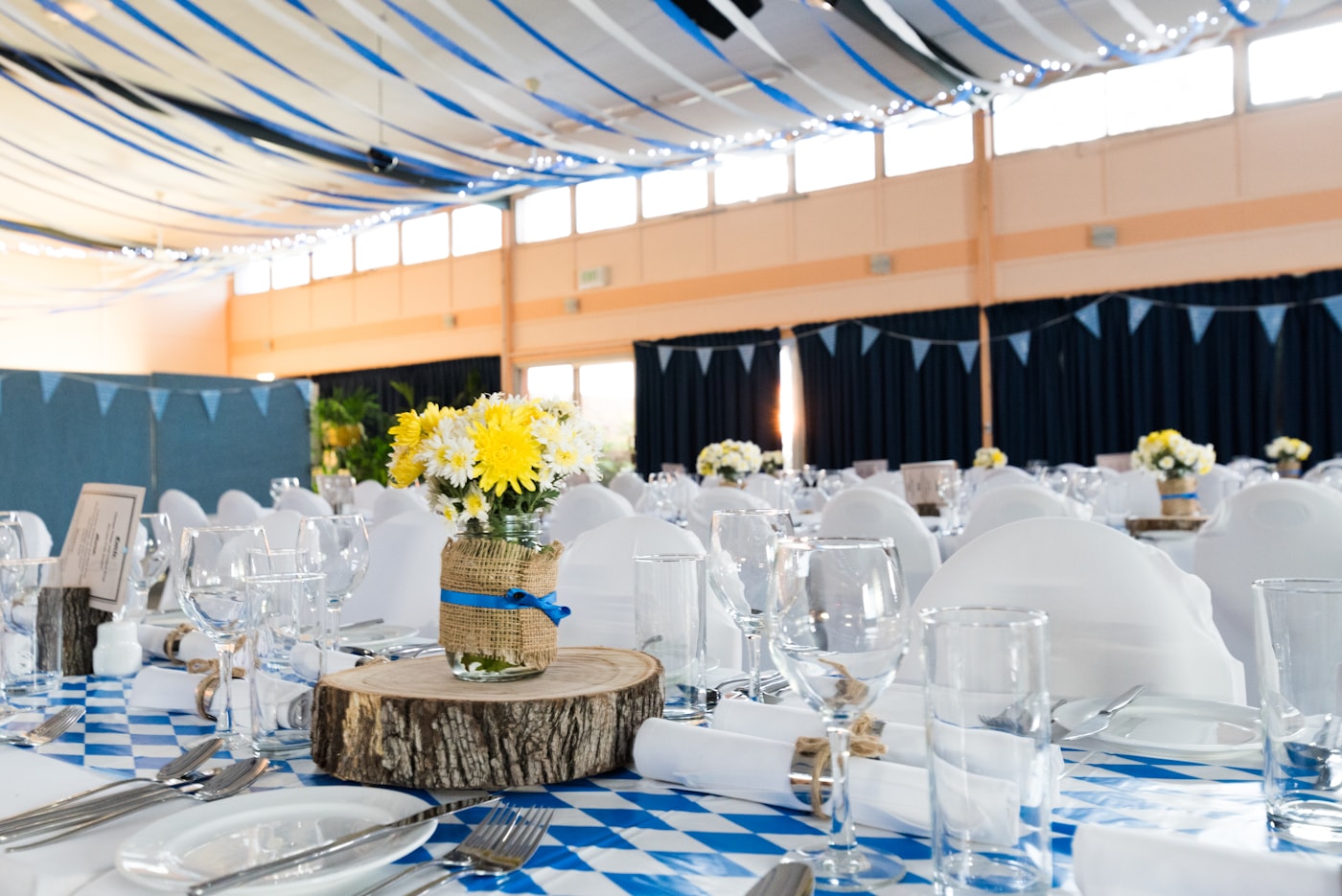
- On a small sign next to the photo backdrop — if you have a photo booth or backdrop, a QR code right next to it is perfect
Step 4: On the day
You don't need to manage anything during the party. Guests scan the code when they feel like it. The upload process takes about 30 seconds — they choose one or more photos, hit upload, and they're done. Some guests will do it at the party; others will scan the code and upload from home later that evening.
Step 5: Download everything afterwards
Log into your Snaptory dashboard and download all the uploaded photos as a single ZIP file. Full resolution, in the order they were uploaded. At a typical birthday party with 40–80 guests, you can expect 150–400 photos if around half your guests engage with the QR code.
How to encourage guests to actually use it
The biggest variable is whether people notice and use the QR code. A few things that help:
Mention it out loud. A 20-second announcement — "We've got a QR code on every table, scan it to share your photos so we can see them too" — dramatically increases participation. You only need to say it once, maybe during a toast or when cutting the cake.
Put it in the party WhatsApp group beforehand. If there's already a group chat, share the link there the morning of the party. People can bookmark it and upload later that evening.
Keep the event open for a few days. Some guests will remember to upload the next morning when they're going through their camera roll. Leaving the collection open for 48–72 hours captures these late uploads.
What about older guests?

The Snaptory upload page is intentionally simple — it looks like a regular website, not an app or a form. If someone can use Google or check their email on their phone, they can use it. The QR code scan is the one step that trips some people up, but most modern phones (iPhone and Android) scan QR codes automatically when you open the camera. No separate QR scanner app needed.
For guests who are less comfortable with technology, a family member can scan the code for them and upload on their behalf — it only takes a moment.
What does it cost?
There's a free plan you can use to try Snaptory — it supports up to 5 guests and 30 photos, which is ideal for a small family gathering or a test run. For a typical birthday party with more guests, the Starter plan is £19 (up to 50 guests, 120 photos). Larger parties work best on the Standard plan (£39, up to 120 guests, 500 photos). No credit card is needed to create an account and get your QR code.
Ready to set it up? It takes about five minutes at snaptory.co — and you'll end up with a collection of photos you'd otherwise never see.
Collect every guest photo with one QR code.
No guest app, no account for uploaders, and one ZIP download for the host.
Try Snaptory free