12 May 2026
5 Creative Ways to Display Your Wedding QR Code (With Real Examples)
Your QR code needs to be seen to be scanned. Here are 5 practical, stylish ways to display your wedding photo QR code that actually get guests to use it.
You've set up your Snaptory event and you have your QR code downloaded. Now the question is: where do you put it? The answer matters — a QR code that no one sees gets no scans. A well-placed QR code in two or three spots can result in 300+ photos from a 100-person wedding.
1. Table cards
This is the single most effective placement. Guests are seated at their tables for extended periods — during the meal, speeches, and between dances. A small card sitting in front of them will be noticed, read, and scanned.
How to do it: Create a simple A6 card in Canva using a free template. Add your QR code, your names, the date, and a short instruction: "Scan to share your photos with us." Print at home on thick card stock, or order from a local print shop (Instantprint or Solopress in the UK do inexpensive short runs). One card per table is enough.
Size tip: The QR code on a table card should be at least 5cm × 5cm. Test scan it from a comfortable reading distance before your wedding.

2. Welcome sign or seating chart
Your welcome sign is seen by every single guest as they arrive. Adding the QR code here sets expectations early — guests know from the moment they walk in that they should be sharing photos. Keep the QR code at least 10cm × 10cm so it's readable from a step away.
3. Order of service booklet
If you're having a church ceremony or any ceremony with a printed order of service, the back page is prime real estate. Guests hold this booklet for the entire ceremony — sometimes an hour or more. A QR code on the back with a note about sharing photos is highly visible, and it plants the idea early in the day.
4. Photo booth backdrop or prop table
If you have any kind of photo booth — professional or DIY — placing a QR code nearby is extremely effective. Guests who are already in "take photos and share them" mode will respond immediately to a card that says "Scan to upload your photos." You're meeting them at the exact moment they're thinking about photos.
5. Menu cards or napkin rings
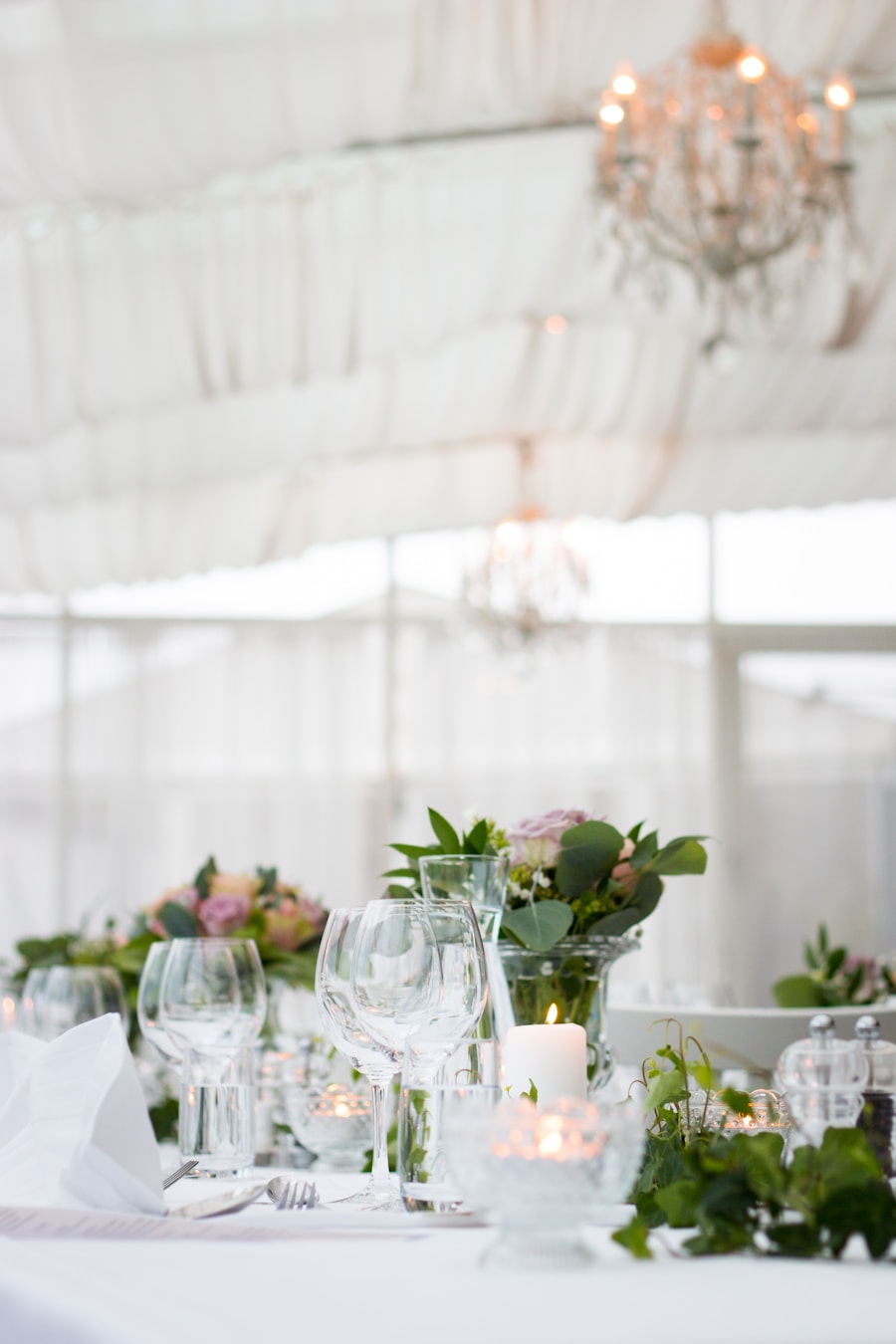
If you have printed menus at each place setting, the QR code on the back of the menu card is a natural fit. Guests will turn it over, see the code, and scan it — especially if you have a short note like "While you wait, share a photo from today."
For a more creative approach, some UK printing companies offer custom printed napkin rings. Adding a QR code to a napkin ring makes it a conversation starter when guests unfold their napkins.
What to write next to your QR code
Short is best. These lines work well:
- "Scan to share your photos with us."
- "Upload your photos — scan the code."
- "Got a great photo? Scan the code and share it with us."
The one thing that doubles participation
Whatever display options you choose, ask your MC or best man to mention the QR code at the start of the reception. A simple announcement — "There's a QR code on every table, give it a scan and share your photos" — roughly doubles the number of uploads at events. People respond to a prompt.
Set up your free Snaptory event at snaptory.co. Your QR code is ready in under five minutes, downloadable in any size you need for printing.
Collect every guest photo with one QR code.
No guest app, no account for uploaders, and one ZIP download for the host.
Try Snaptory free